
O-EYE
DetectEvery pass becomes a versioned record of the asset, not a folder of photos.
O-EYE plans the flight, processes what comes back, and classifies what it finds against the asset register, so a defect arrives with a location, a severity and a history rather than as an image somebody has to interpret.
O-EYE turns a pass over an asset into classified, located, severity-ranked findings — attached to the component they belong to, ready for the rest of the platform to act on.
The bottleneck was never the flying.
A crew can cover a 180 hectare site in an afternoon. What takes the next three weeks is somebody scrubbing through thermal frames, deciding which hotspots matter, working out which string they belong to, and typing the result into a spreadsheet that the maintenance team will read differently. The imagery is not the deliverable. The ranked, located, attributable finding is.
One pass, start to finish
A mission over a 54 string block, from the plan to the work order it ends as. Nothing here is staged separately: every step below adds to the same site.
- 01
The mission is planned against the register
Coverage comes from what is on site, not from a polygon somebody drew around it. Thermal and RGB fly on the same pass so the two records line up frame for frame.
o-eyeThe mission is planned against the register1/4 - 02
The pass is processed and swept
Frames are stitched, georeferenced and radiometrically corrected, then read for thermal signatures. Three anomalies on this block, out of fifty four strings.
o-eyeThe pass is processed and swept2/4 - 03
Each one is classified, with a confidence
A hotspot is not a diagnosis. This pattern, across three cells in series with the string still producing, is a bypass diode. The class carries a severity and a number you can argue with.
o-eyeEach one is classified, with a confidence3/4 - 04
It lands on the asset, not on a map pin
String B-07-14, on inverter 04, with its own history behind it. The work order goes to O-OPS already attached to the thing that has to be fixed.
o-eyeIt lands on the asset, not on a map pin4/4
From flight to finding
Six things happen between a drone leaving the ground and a technician being told where to go.
Flight planning and capture
Missions planned from the asset register, so coverage is checked against what is actually on site rather than against a polygon somebody drew. Thermal and RGB on the same pass.
Processing
Orthomosaics, digital elevation models, point clouds and 3D meshes built per pass, with a thermal orthophoto registered to the same frame so a hotspot has real coordinates.
Defect detection
Thermal and visual anomalies detected and classified against a taxonomy per asset class, not a generic object detector. Each finding carries a class, a confidence and a severity.
Attribution to the asset
Findings attach to the component in the register: a string, a module, a blade section, a span. Not a pin on a map that somebody has to resolve later.
Change over time
Every pass is versioned against the same asset model, so this quarter can be compared with last: new defects, defects that grew, defects that were repaired and stayed repaired.
Reports and exports
Inspection reports formatted to the standard the sector expects, with the evidence attached, plus exports for the systems that need to receive them.
What it looks for
Detection is per asset class. A generic anomaly detector finds hot pixels; this finds a bypass diode failure and knows it is different from a substring outage, because the two need different work.
Typical severity
- Critical1
- High3
- Medium4
- Low2
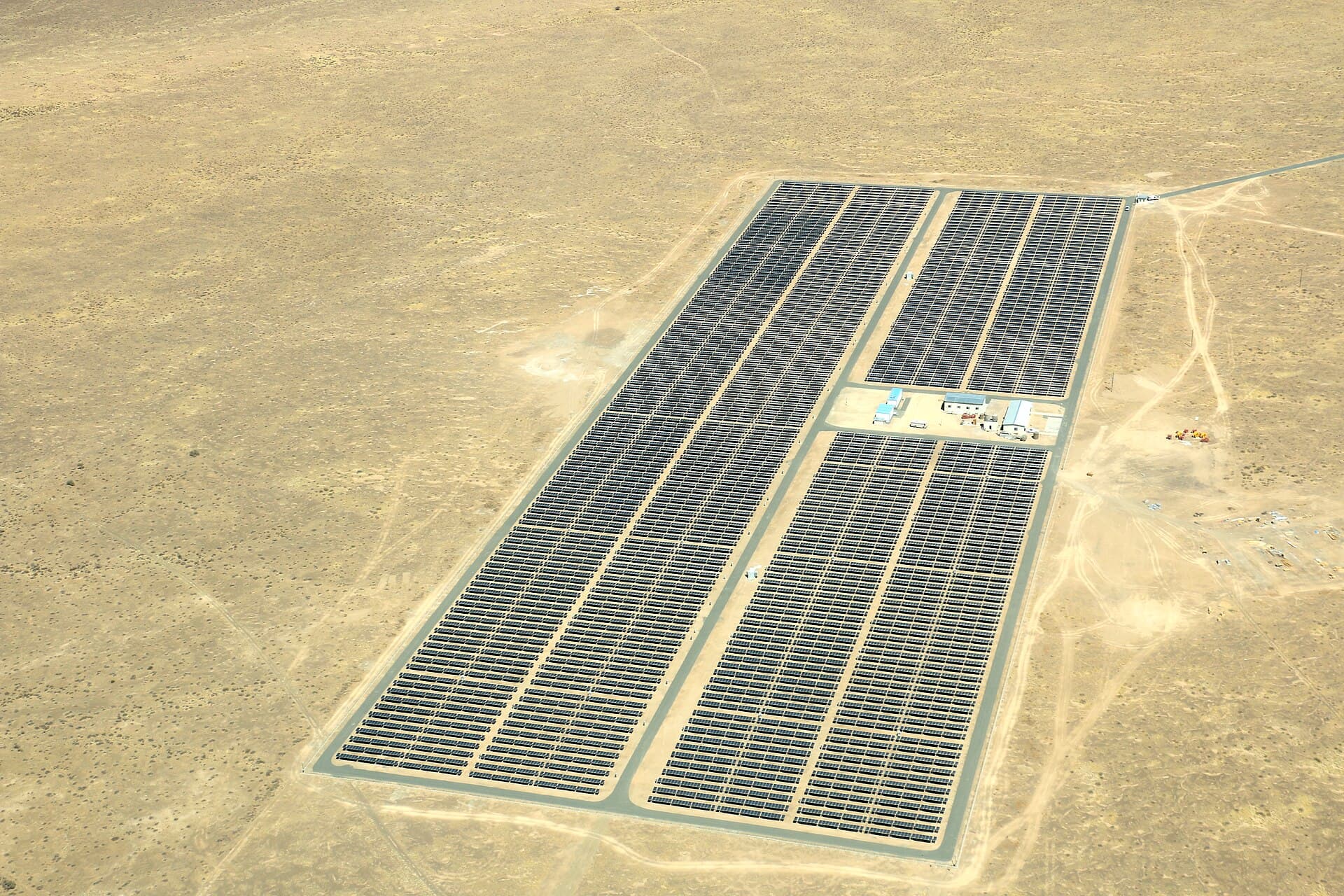
- HotspotSingle cell running hot, often a crack or shadingMedium
- Multi-hotspotSeveral cells in one moduleHigh
- Bypass diode failureA third of the module dark, diode conductingHigh
- Substring outageA whole substring offlineHigh
- String outageEntire string dark, usually upstreamCritical
- PIDPotential induced degradation across a module edgeMedium
- SoilingUniform loss across a surface, recoverable by washingLow
- Cracked glassVisible fracture, moisture ingress riskMedium
- Vegetation shadingGrowth encroaching on the arrayLow
- Tracker misalignmentRow out of position against its neighboursMedium
Typical severity
- Critical2
- High2
- Medium2
- Low1
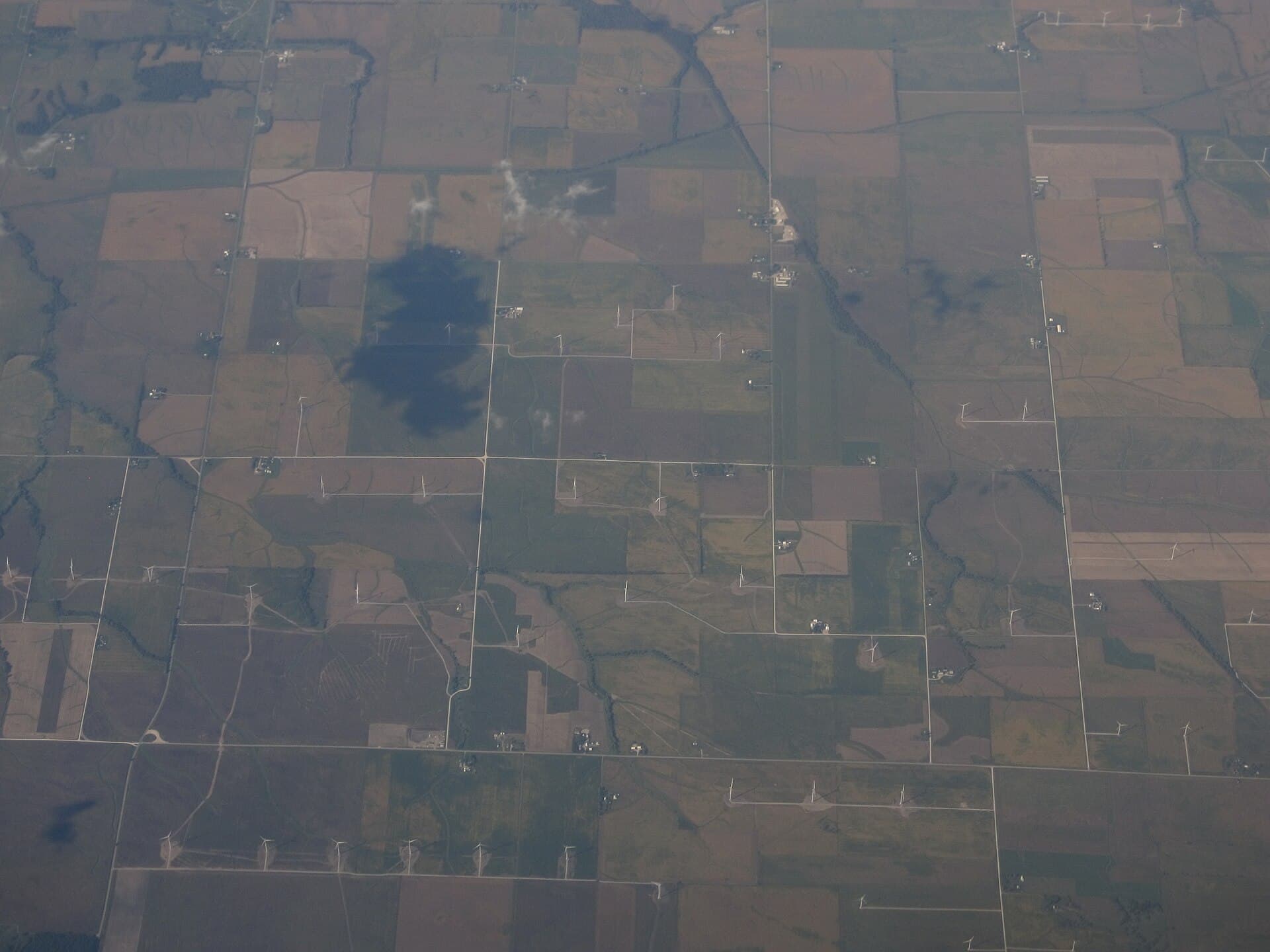
- Leading edge erosionCoating worn back along the blade edgeMedium
- Lightning strike damageBurn or delamination at a receptorCritical
- CrackSurface or structural fracture in the shellCritical
- DelaminationSkin separating from the coreHigh
- Coating lossPaint system failing, substrate exposedLow
- Oil leakStaining below the nacelle or hubHigh
- Tower corrosionRust bloom on the tower or flangeMedium
Typical severity
- Critical2
- High2
- Medium1
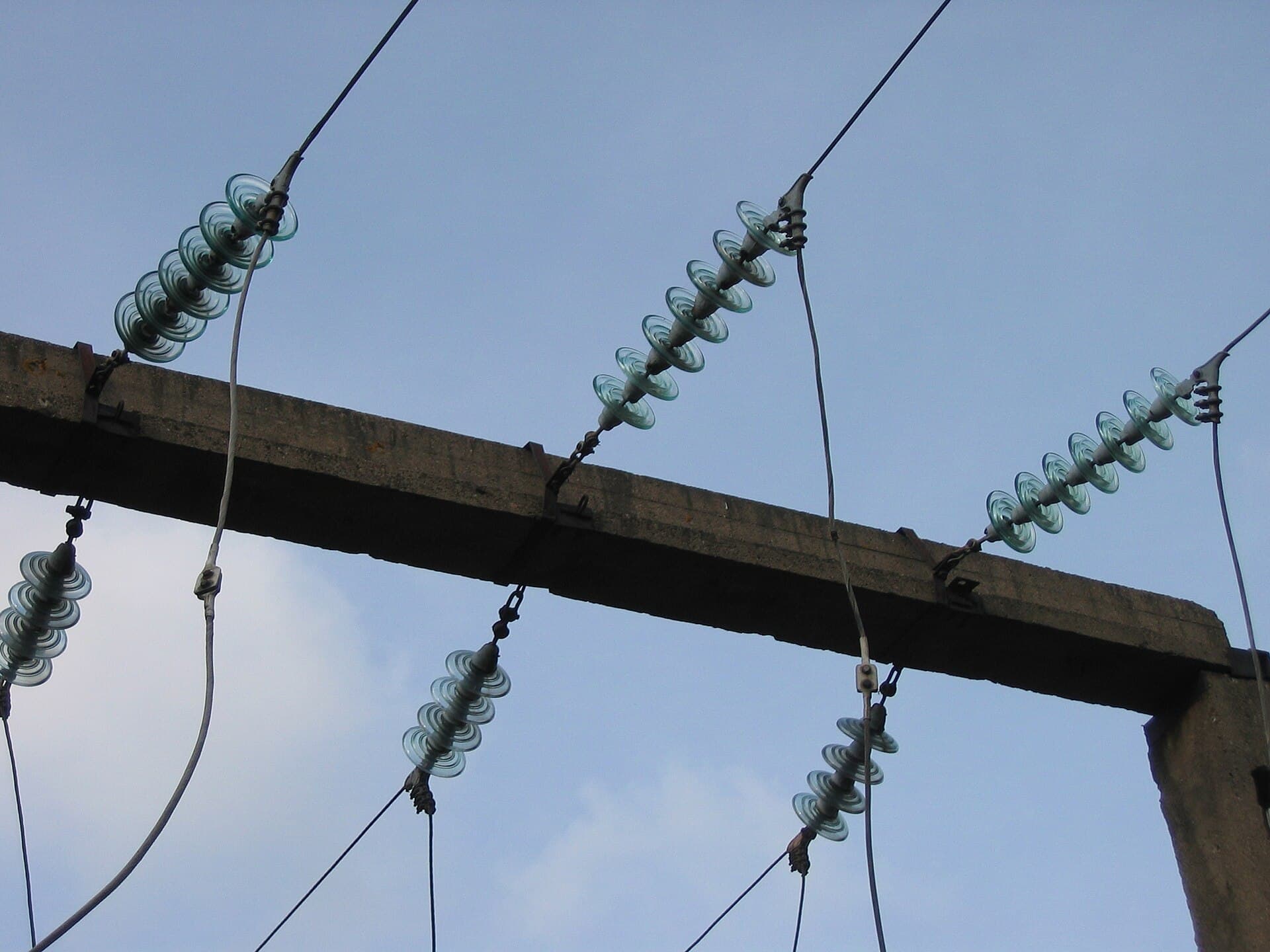
- Thermal hotspotConnector or joint running above its neighboursCritical
- Insulator damageChipped, cracked or flashed insulatorHigh
- CorrosionStructural steel or hardware degradingMedium
- Vegetation encroachmentGrowth inside the clearance envelopeHigh
- Oil leakStaining at a transformer or bushingCritical
Typical severity
- Critical1
- High2
- Medium2
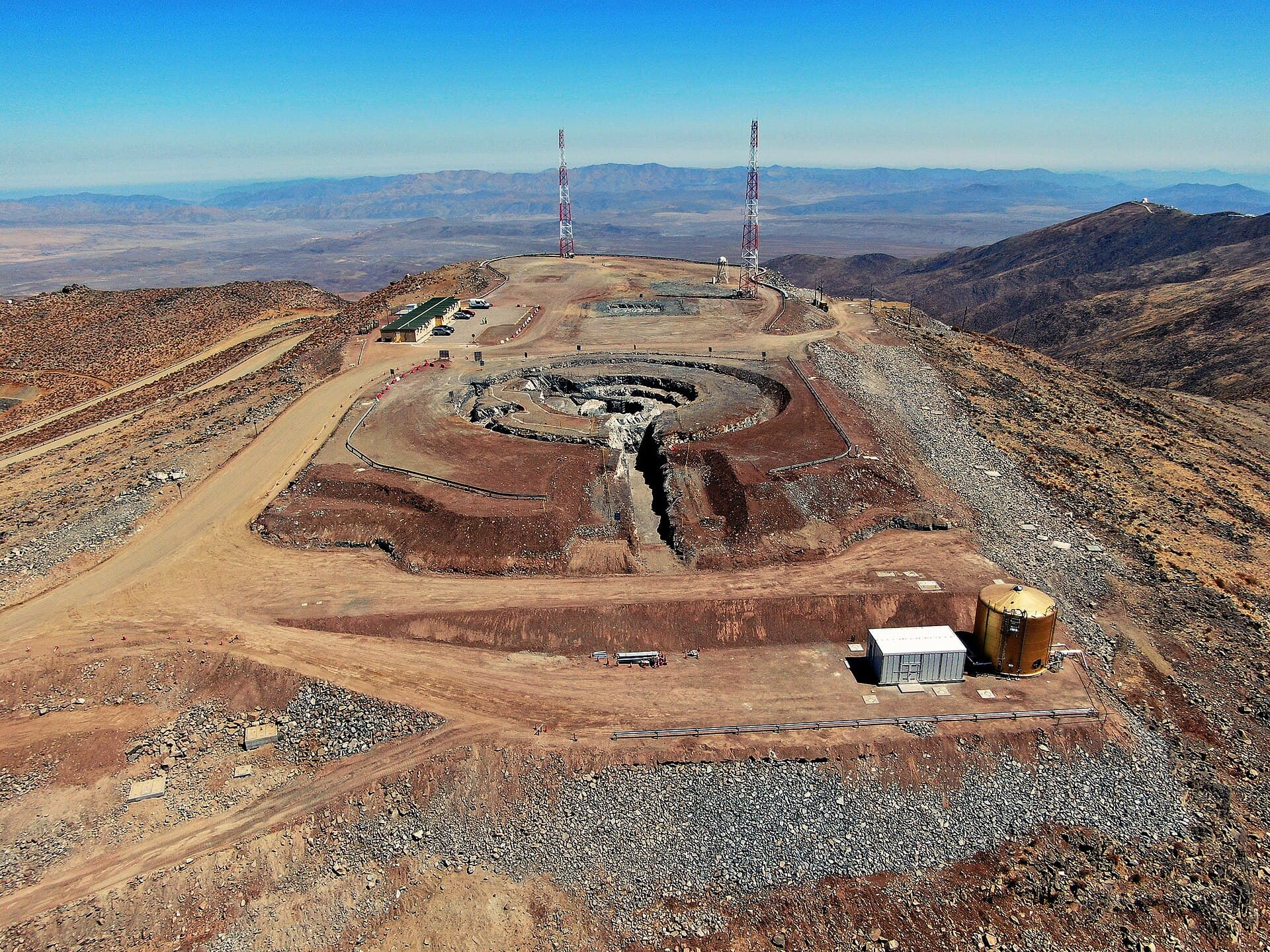
- Schedule deviationWork behind the programme for that areaMedium
- Earthworks varianceCut or fill differing from designMedium
- Missing edge protectionOpen edge with no barrierCritical
- Unsafe accessRoute blocked, damaged or unmarkedHigh
- Installation deviationBuilt position differs from designHigh
Severity drives what happens next: what is worth a truck roll this week, what waits for the next planned visit, and what is only worth watching.
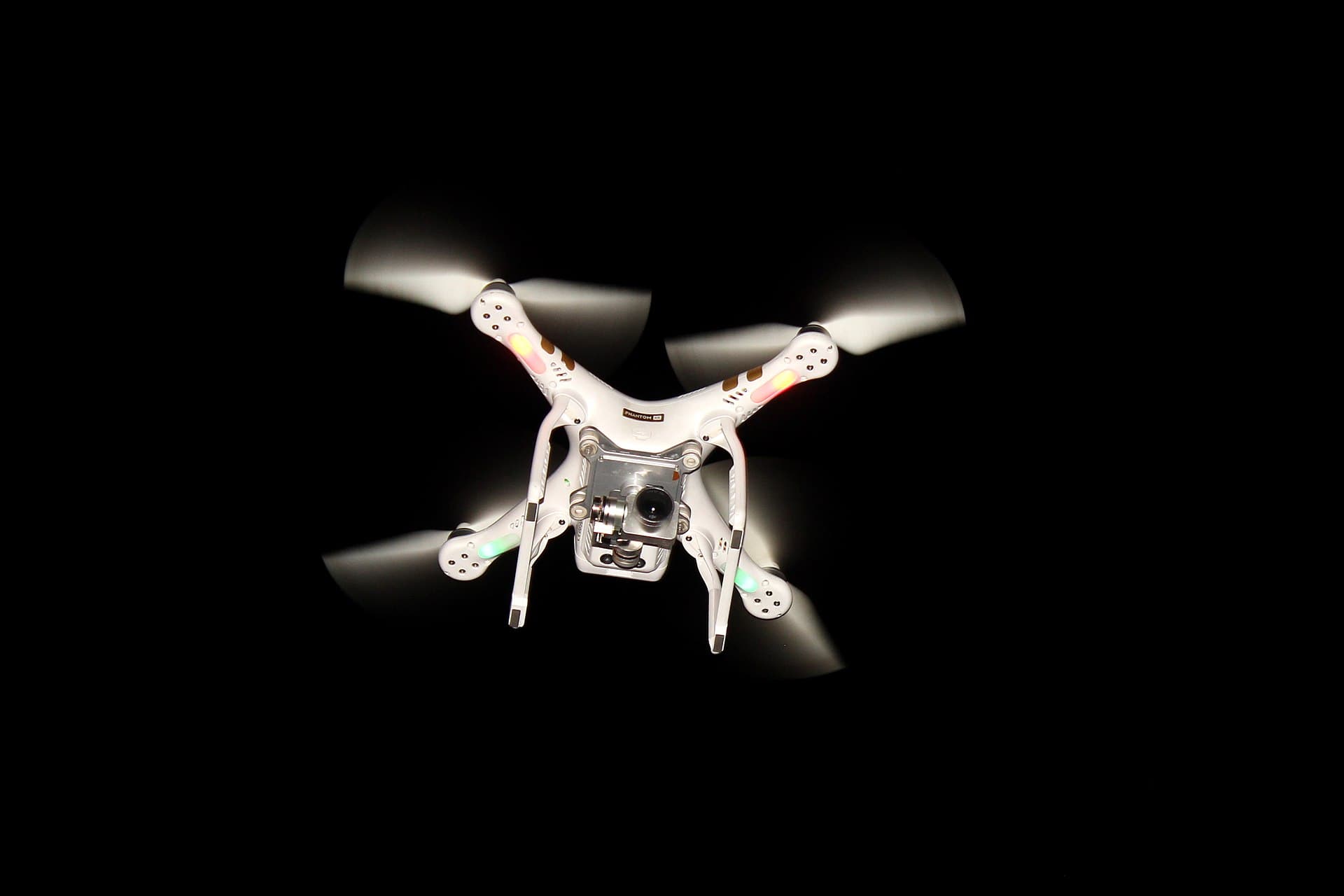
Drone, thermal and RGB
One pass, both sensors, georeferenced to the asset register.
What captures it today
Drone is the capture method in service, thermal and RGB. Ground robot and 360 walkthrough capture are on the roadmap and are not shipping yet, so nothing on this page depends on them.
- Drone, thermal and RGBIn serviceOne pass, both sensors, georeferenced to the asset register.
- Ground robotRoadmapFor indoor and under-structure work a drone cannot reach. Not shipping.
- 360 walkthroughRoadmapFor handover and as-built capture of enclosed spaces. Not shipping.
- 01O-EYEDetectInspection & digital twin
- 02O-ARCAnalyseSensors, IoT & telemetry
- 03O-OPSOperationsThe system of record
- 04actsO-AGENTDecide & actThe agentic layer
Every action writes back to the record, so the model sharpens with every job.
Questions
Do we have to fly with your hardware?
No. O-EYE works from the imagery, not from a particular airframe. If your crew or your contractor already flies the site, the output of that flight is what comes in.
What happens to the flights we have already done?
Historic passes can be brought in and registered against the asset model, which is what makes change over time useful from day one rather than from the first flight after you sign.
How accurate is the classification?
Every finding carries a confidence, and the threshold at which a finding is auto-accepted rather than reviewed is yours to set. Below it, the finding is queued for a human instead of acted on.
Can we get the raw outputs?
Yes. Orthomosaics, point clouds, meshes and thermal orthophotos are exportable, along with the findings as structured data. Nothing is held hostage inside the platform.